


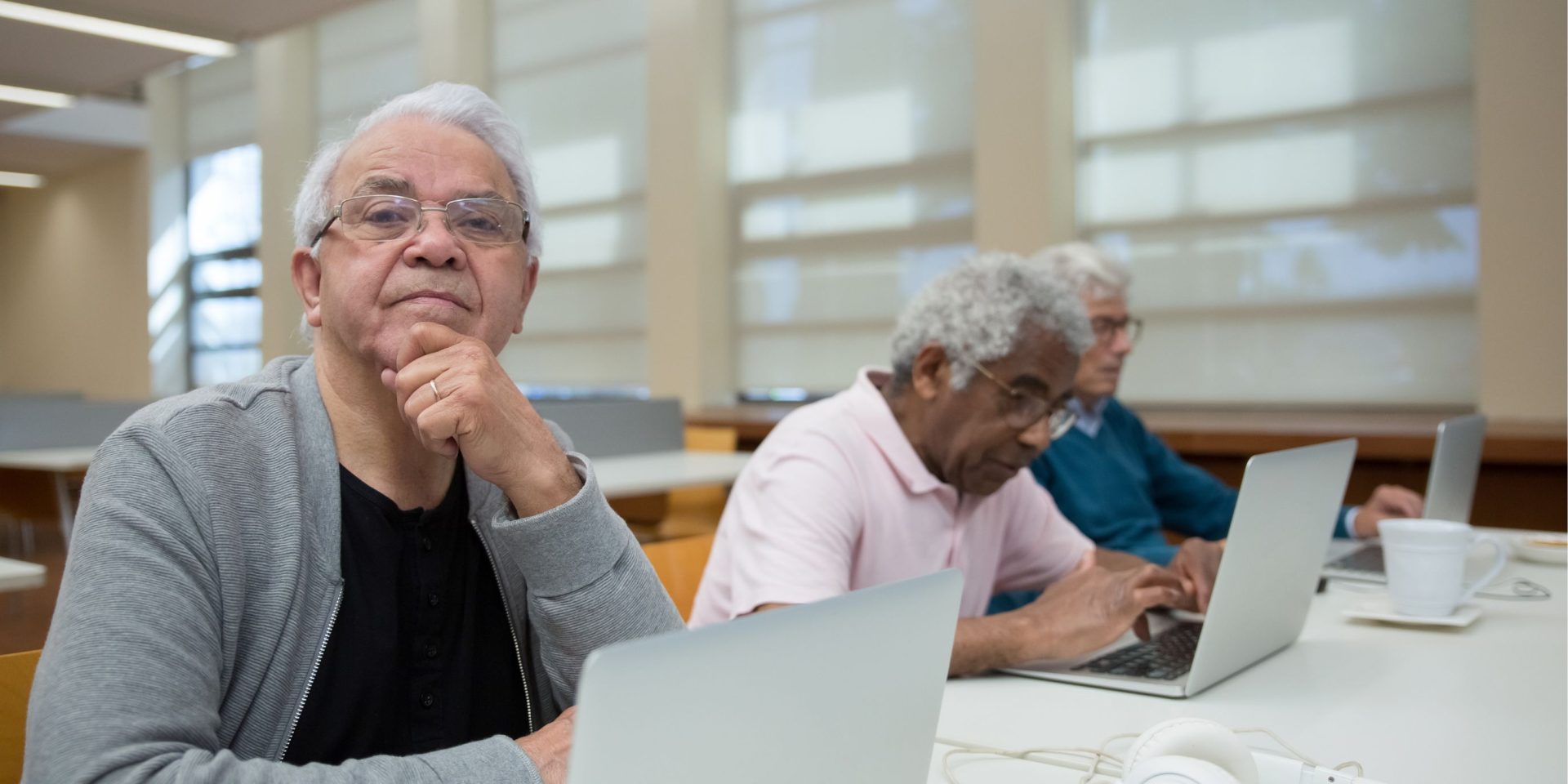
Course Overview
Learn how to store, access and protect your files online in this beginner-friendly cloud computing course for seniors. Designed for older adults who want to build their digital literacy skills, this practical workshop introduces cloud storage and how it can help you manage important documents, photos and other files.
Have you ever lost an important file, misplaced a USB drive or had a computer stop working when important documents were stored on it? Cloud computing can provide another way to store your files and access them when you need them.
You may already be using cloud computing without realising it. For example, many email services store your emails and attachments online so you can access them from your computer, smartphone or tablet.
In this workshop, you will learn what cloud computing is, how cloud storage works and some of the benefits and risks of storing information online. You will also explore popular cloud storage services and learn how they can help you access files from different devices and back up important information.
With practical, step-by-step guidance, this course will help you build confidence using cloud storage and better understand how to manage your digital files online.
Macquarie Community College operates from a range of venues across Northern and Western Sydney. We have campuses in Blacktown, Carlingford, Chatswood, Epping, Mt Druitt, Richmond, and Ryde. Enrol now!
What you will learn
Course outline
In this workshop, you will learn:
- What cloud computing is and how it works
- What cloud storage is and how it can be used
- The benefits of using cloud storage
- Some of the risks associated with cloud computing
- How cloud storage can help you access files from different devices
- How cloud storage can help you back up important files
- How to choose a cloud storage service
- How to use Google Drive
- How to set up and use a Dropbox account
Course outcome
By the end of this course, participants will have a better understanding of cloud computing and how online storage can be used to manage, access and back up digital files.
You will gain practical experience using Google Drive and Dropbox and develop greater confidence accessing files stored online.
What you need to know
Entry requirements
This course is designed for seniors who are beginners to cloud computing and want to develop greater confidence storing and accessing files online.
No previous experience with cloud storage is required. Basic computer and internet skills will help you participate in the practical activities.
What you need to provide
- An internet-connected PC or laptop
- A tablet or smartphone
- An existing Gmail account or Google account
- Notepad and pen